
This resource explains how to use Forefront-configured USNS Progress Monitoring Probe Handouts.
The USNS Progress Monitoring Probe Handouts are a resource to provide targeted parallel tasks for the written tasks of the Universal Screeners for Number Sense.
How do they work?
The probes generate a custom-per-kid assessment of parallel tasks based on questions to students missed on the initial administration of the USNS. For every written question a student scores below "proficient" (all points) on the first administration, a parallel task will be included in the reassessment probe. For all students, a generic question "What new things have you learned in math? Show your learning and thinking with numbers, pictures and words," is included as an opportunity to share further thinking and to ensure all students have something to do (and reduce attention on students who need the reassessment).
So, for a student who missed no questions, they will get a page with the single question -- "What new things have you learned in math? Show your learning and thinking with numbers, pictures and words."
For a student who missed written questions 2 and 4, a parallel task for each will be included plus the generic question.
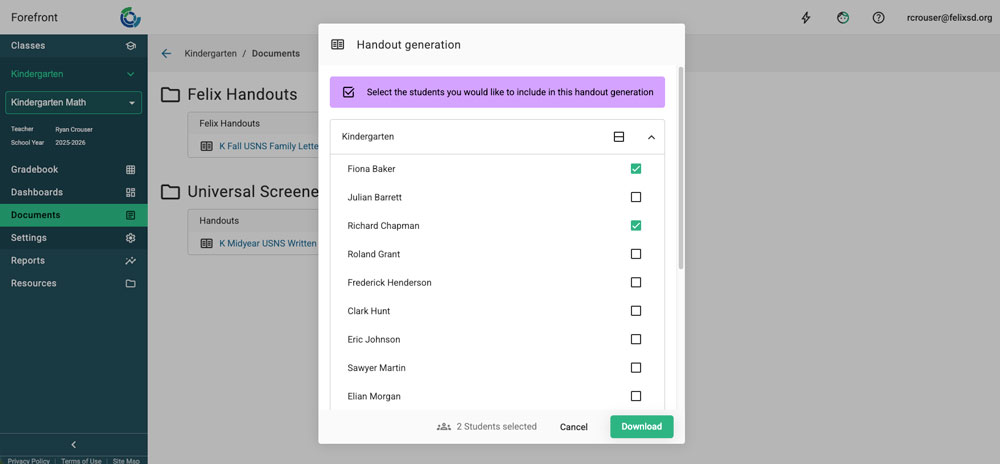
(Note that you can select specific students when downloading if you do only want to reassess certain students, see below.)
Watch a Video Overview
Additional Help Docs:
For Leader/Managers: How to Add Documents to Courses
For Teachers: How to Access Printable Documents and Handouts
Need more support?
Submit a support request or email our team at support@forefront.education.