Forefront Education
Put the focus back on student learning
Student learning is complex. Forefront organizes assessment results and supports standards-based grading to transform the information already in your classrooms into meaningful pictures of student learning.
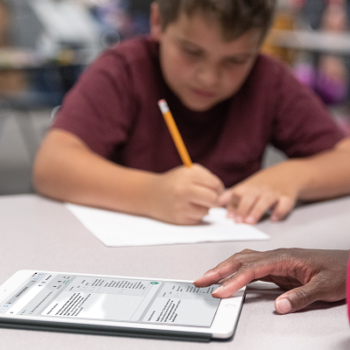
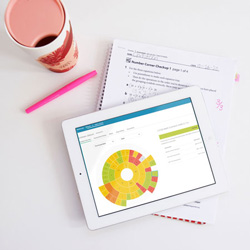
Capture student learning information from your classroom assessments for fluid, up-to-date pictures of student learning as it evolves.
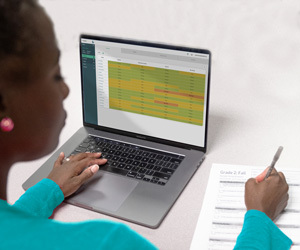

Provide meaningful, actionable information for teachers, parents, and leadership through a variety of powerful, intuitive reports.

The best insights into student learning are already in your classrooms.
Don't introduce another layer of assessment for data meetings. Capture the rich data about student learning from unit tests, quizzes, and work samples and elevate this information district-wide.
Improve your standards-based grading systems.
Replace spreadsheets and traditional grade books with Forefront and improve standards-based grading and reporting. Explore how Forefront can help your schools make standards-based grading meaningful and manageable.
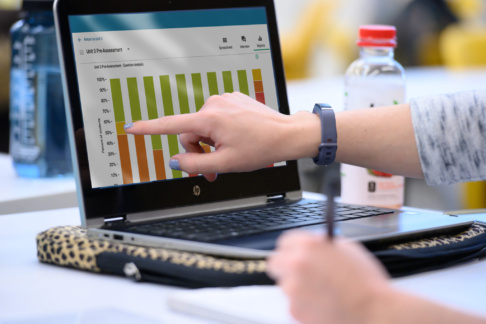
Watch how Forefront improves alignment between instruction, assessment, and grading
See How Forefront Works
Loved by these school districts




GATHER MEANINGFUL STUDENT LEARNING DATA
Put Classroom Data Into the Big Picture
We can help you put classroom assessment information at the center of collaborative work and make it visible for analysis alongside other measures of student performance and growth.

Gradebook Templates
Build custom gradebook templates for standards and rubric-based assessments. Share templates across schools for convenient and consistent data collection.

Electronic Gradebook

Interview tool

Preconfigured templates

reports for data meetings

RtI/MTSS
Build-Your-Own Assessment Trackers or Access Preconfigured Solutions
Preconfigured Solutions & Exclusive Content For

BRIDGES® and NUMBER CORNER® are registered trademarks of The Math Learning Center in the United States. The Math Learning Center owns all copyrights in the Bridges® in Mathematics, Number Corner®, and Bridges® Intervention series, content, and materials. Forefront offerings designed to be used in conjunction with these programs are not developed, provided, or supported by The Math Learning Center.
Ready to learn more?
Request a demo or contact us today to start a conversation. Our team is excited to learn more about your needs and explore ways that we can support your work with data from meaningful measures of student learning.